
Connect your DashyCard to Paypal account



Subscribe to our Newsletter
Resources and Insights
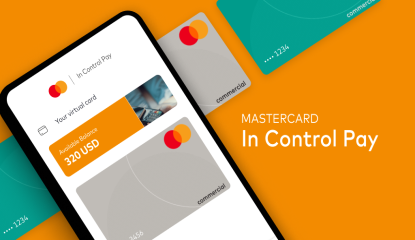
From Traditional to Digital: The Evolution of Business Payments
In this blog post, we will explore the journey of business payments, from traditional methods to digital solutions that are shaping the future of commerce.
Read More
How Virtual Cards Enhance Security in Online Transactions
Virtual cards act as a safeguard for your online transactions by replacing your real card details with temporary, unique credentials. They minimize the risk of data breaches and unauthorized access, offering greater privacy and control. With features like transaction limits and single-use functionality, virtual cards are transforming digital payments. Discover how they provide a smarter, more secure way to shop online.
Read More
The Future of Payments: A Glimpse Into Tomorrow’s Transactions
Why Virtual Cards Are Revolutionizing Business Transactions
Read More